
Less repeated data entry
Move information between systems with validation and ownership.
MeasureManual touches and data correctionsBUSINESS PROCESS AUTOMATION & INTEGRATION
Automate repetitive work across CRM, documents, sales and operations. We connect your applications, keep records in sync and route exceptions to the people who can resolve them.
Review your workflow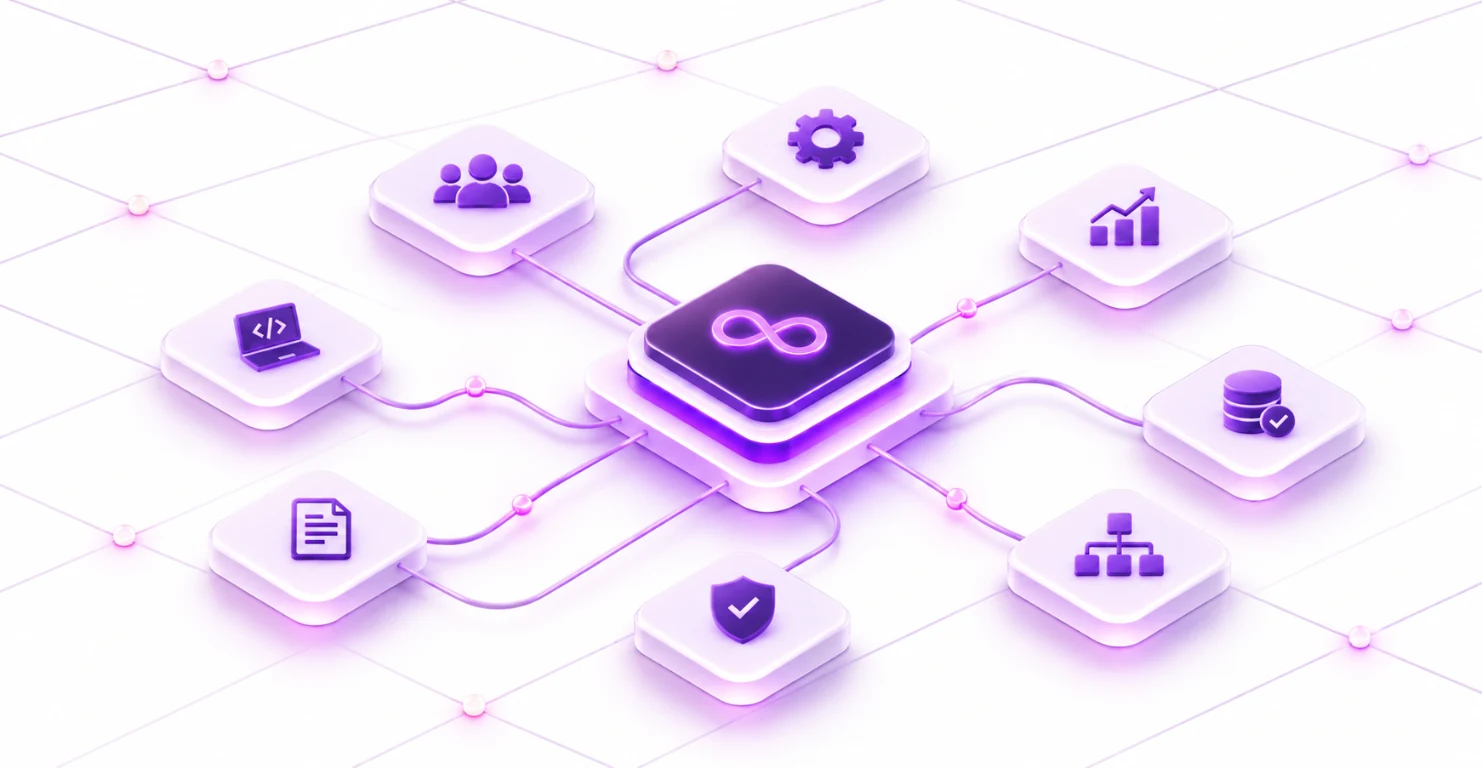
THE BUSINESS PRIORITY
Manual copying and follow-up make routine processes dependent on individual memory. We map the full workflow, including exceptions, and automate the steps that can run reliably with a defined owner.
Move information between systems with validation and ownership.
MeasureManual touches and data correctionsGive each event a defined next action and responsible person.
MeasureProcess cycle time and overdue tasksMake failures visible with enough context to resolve them.
MeasureException volume and resolution timeSuccess measures are agreed against your starting point and project scope before delivery.
WHAT WE DO
Improve an existing process without replacing every tool your business already uses.
Map triggers, handoffs, approvals and exceptions. Compare manual effort with implementation and maintenance costs to identify a practical starting workflow.
Connect enquiry capture, lead assignment, follow-ups and pipeline updates. Define duplicate rules, record ownership and the conditions that need manual review.
Connect intake, extraction, validation and approval. Keep the source document attached to the record and route incomplete or inconsistent information for review.
Build workflows with n8n, Make, Zapier or custom APIs. Include retries, duplicate protection, access controls and failure notifications.
Organise client work, projects and knowledge in connected workspaces. Define templates, permissions and reporting around how your team operates.
Monitor failures, review recurring exceptions and update connections as systems change. Document dependencies and the procedure for recovery.
DELIVERABLES & HANDOVER
Agree on the deliverables and acceptance criteria before the delivery begins. Keep the source, decisions and operating guidance needed to maintain the solution.
THE DELIVERY APPROACH
Map the user journey, current systems and constraints. Identify the problem the project must solve.
Business brief & baselineAgree on priorities, architecture, deliverables and on the acceptance criteria. Assign decision owners and dependencies.
Delivery plan & responsibilitiesDemonstrate working increments, review feedback and test critical journeys and failure paths.
Working software & test evidencePrepare deployment, recovery and handover. Agree on support coverage and the next improvement priorities.
Operating guide & support planCONNECTED CAPABILITIES
Build AI assistants, voice agents and intelligent applications around your business knowledge. Connect them to approved tools, evaluate their performance and keep people in control of consequential decisions.
Launch digital products, improve customer journeys and replace manual processes. We design, build and modernize Web, Mobile and Business Applications around your Users, Existing Systems and Growth Plans.
Maintain live applications, resolve defects and extend your engineering capacity. We organise support and enhancement work around agreed coverage, priorities and a named delivery lead.
PLAN YOUR NEXT PROJECT
Tell us about your business challenge, current systems and priorities. We’ll help define the scope and a practical delivery approach.